Presentation Clicker PPT Slide
Your phone. Your presentation remote.
Control slides over Bluetooth — even with your screen locked.
Control PowerPoint, Keynote, and Google Slides from your Android phone. Pair with a Windows PC or Mac. No account. No desktop companion software.
Less setup. More control.
-
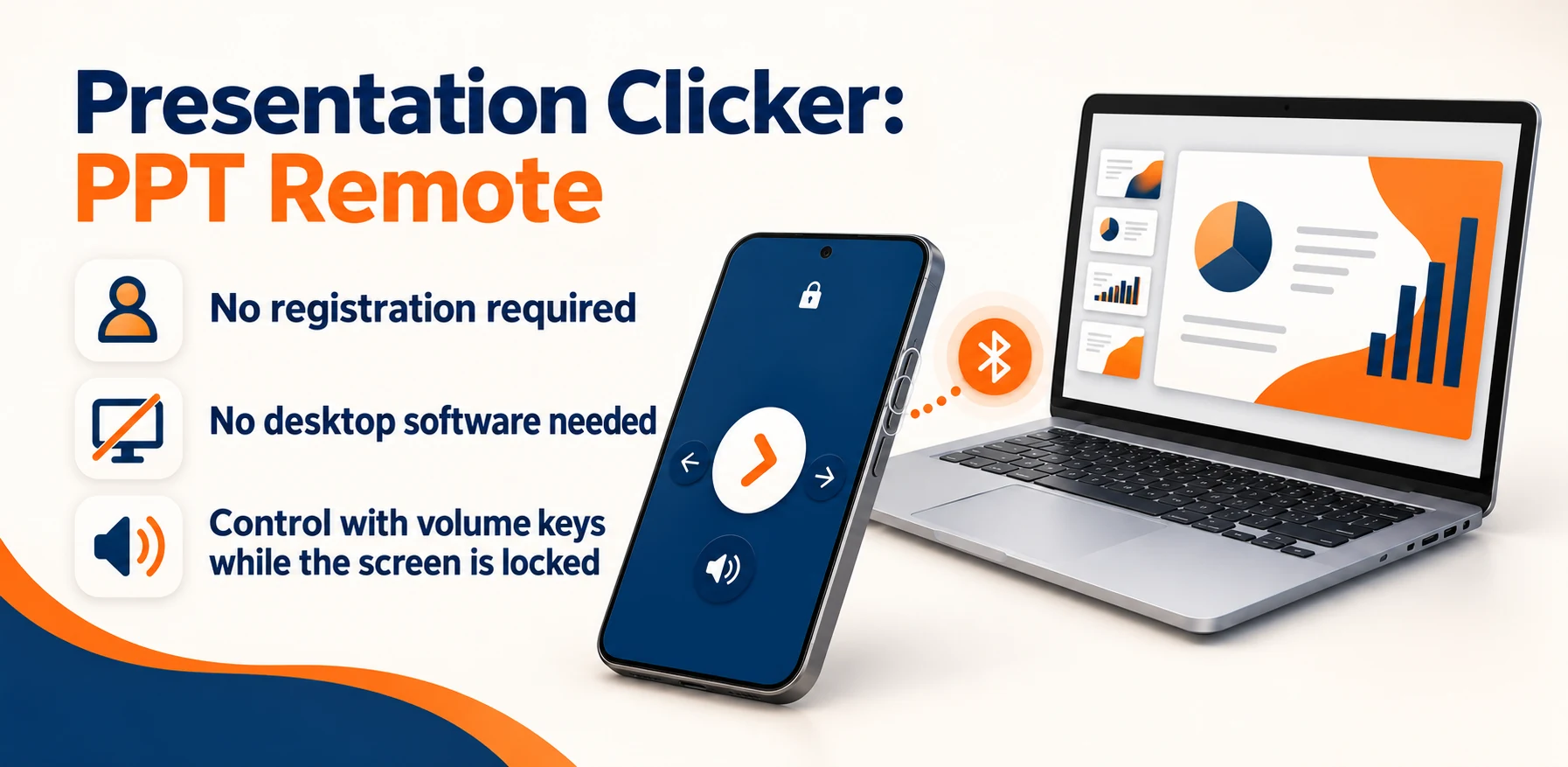
No sign-up required
Get started without creating an account. Your presentation stays on your computer.
-
No desktop software to install
Pair your Android phone directly with a Windows PC or Mac over Bluetooth. No companion app needed.
-
Control slides with the screen locked
Use your phone’s volume buttons to move through slides, even with the screen locked. Available on supported Android devices.
From Google Play
What users say
Real written reviews from Google Play users of Presentation Clicker PPT Slide.
-
EnglishI installed it today (September 21, 2026), and I liked the system interface; it's very practical and easy to use, compared to another app I had installed that I didn't like. I did long and short-distance tests and it worked very well, perfect for academic presentations. So far, this app hasn't presented any errors.
Original · PortugueseInstalei hoje (21/09/2026), eu gostei da interface do sistema é bem prático e fácil de usar, em comparação com um outro app que eu havia instalado, mas que não me agradou. Fiz teste de longa e curta distância e funcionou muito bem, perfeito pra apresentações acadêmicas. Até o momento não apresentou erro esse app.
-
EnglishI recommend
Original · Portugueserecomendo
-
ReviewThis is the one of the best apps I have ever used, without any random ad popup and it works completely fine.. My experience was so good 😊... Thanks Developer... God Bless you!
Focused on what matters
What you can do
 Change slides with on-screen controls or volume buttons
- Use volume buttons with the screen locked on supported devices
- Start or exit a slideshow from your phone
- Follow the built-in Bluetooth pairing guide — no desktop install
Made for real tasks
When it comes in handy
- Present without carrying a separate clicker
- Keep your phone screen locked and change slides with volume buttons
- Present on a Windows PC or Mac without installing a companion app
Before you download
Devices & compatibility
An Android phone with supported Bluetooth keyboard-remote capability, paired with a Windows PC or Mac. Presentation software remains on your computer.
Straightforward answers
Frequently asked questions
Do I need an account?
No. You can use Presentation Clicker without signing up or creating an account. Pair your supported Android phone with your computer over Bluetooth to get started.
Do I need to install software on my computer?
No companion app or desktop software is required. Pair your Android phone directly with your Windows PC or Mac over Bluetooth.
Which presentation apps can I control?
The store listing includes PowerPoint, Keynote, Google Slides, and other presentation apps that respond to keyboard slide controls.
Can I control slides with the screen locked?
Yes. On supported Android devices, you can enable lock-screen volume control in the app and use the phone volume buttons to change slides while the screen is locked. Device support and Android settings can affect this behavior.
Does my presentation get uploaded?
The presentation stays on your computer. The app works as a Bluetooth keyboard remote and does not require an account.
We are here to help
Need a hand?
Send your app name, device model, OS version, and the steps that led to the issue. Please do not send sensitive photos or personal files.
Contact supportProduct information
Features are based on the official store listings reviewed on October 6, 2026. For the latest release notes, requirements, and privacy disclosures, use the store links above.
Privacy policyTerms of use